Creating Your First Video
Ready to make your first video? Cliptude's "Create Video" wizard guides you through the process in just a few steps.
1. Choose Your Generation Model
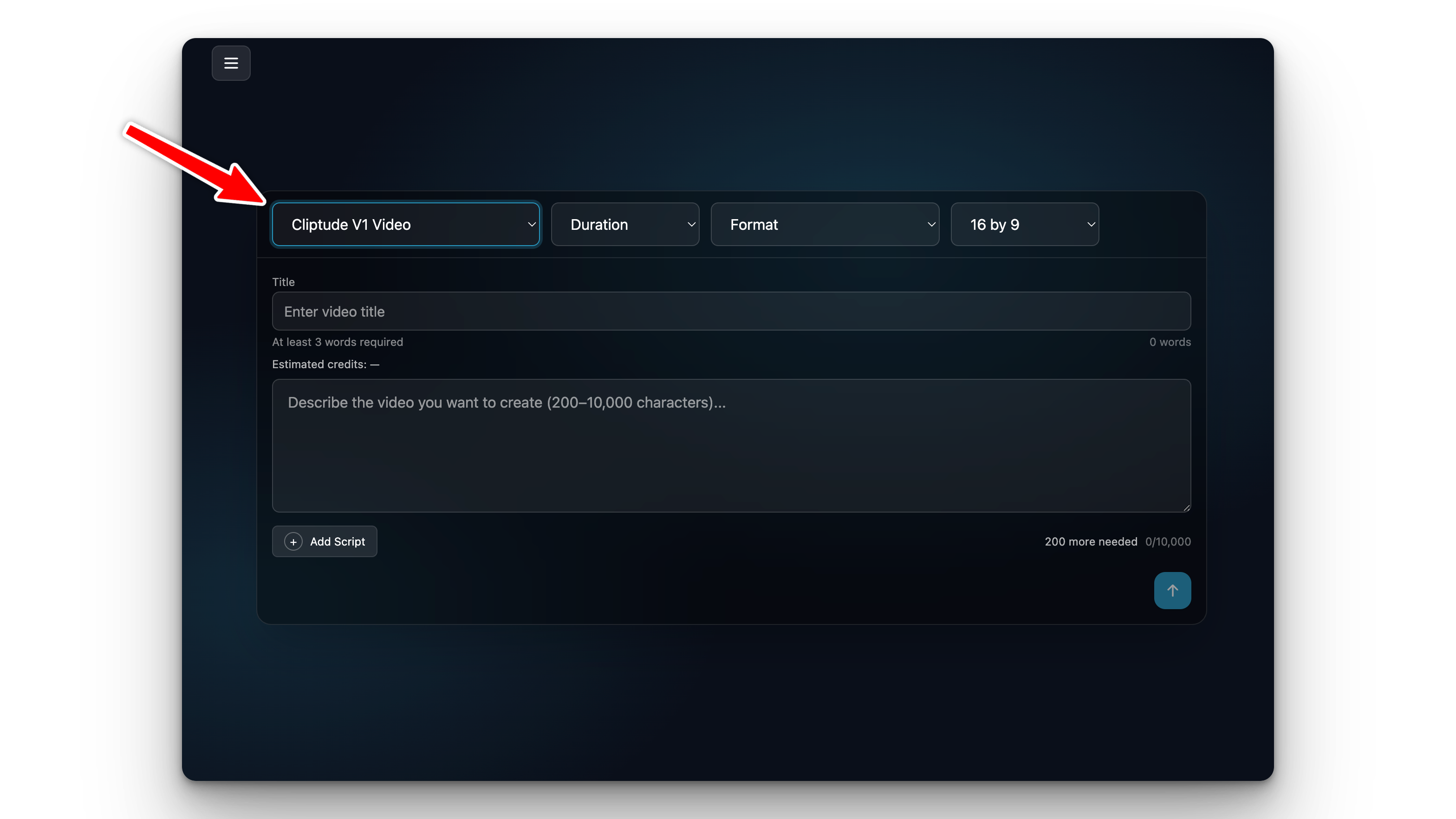
At the top of the create form, select the AI model you wish to use.
- V1 Video: Standard video generation with AI narration and stock clips.
- V1 Image: Creates slideshow-style videos focused on imagery.
2. Enter a Title and Prompt
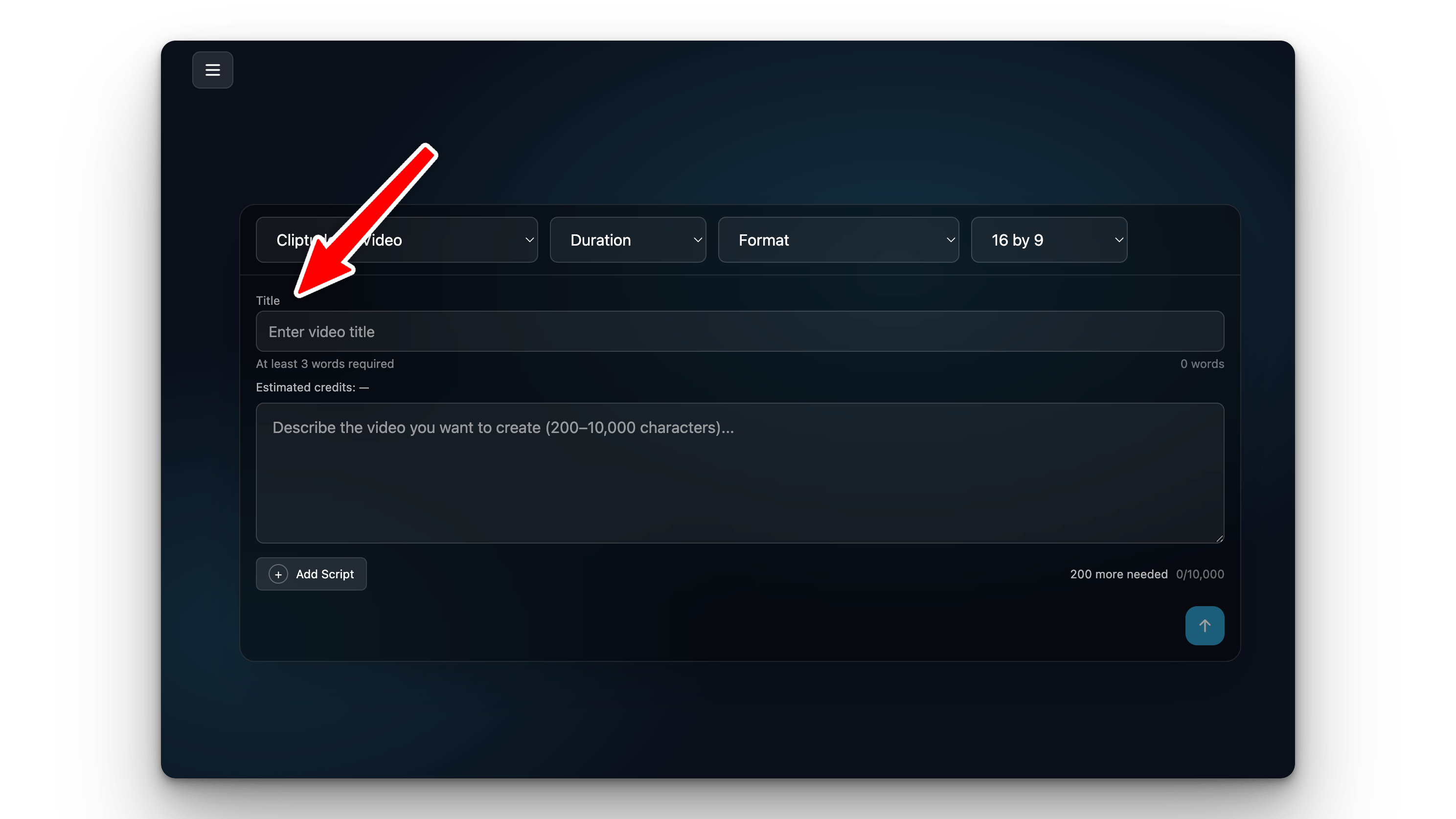
Title: Give your project a name (at least 3 words).
Prompt: Describe what you want the video to be about. Be specific about the topic,
tone, and style.
"A documentary about the history of coffee, starting from Ethiopia to modern day espresso culture, with a calm and informative tone."
3. (Optional) Add a Custom Script
If you already have a script, click "Add Script" to paste it. If you skip this, Cliptude will generate a professional script for you based on your prompt.
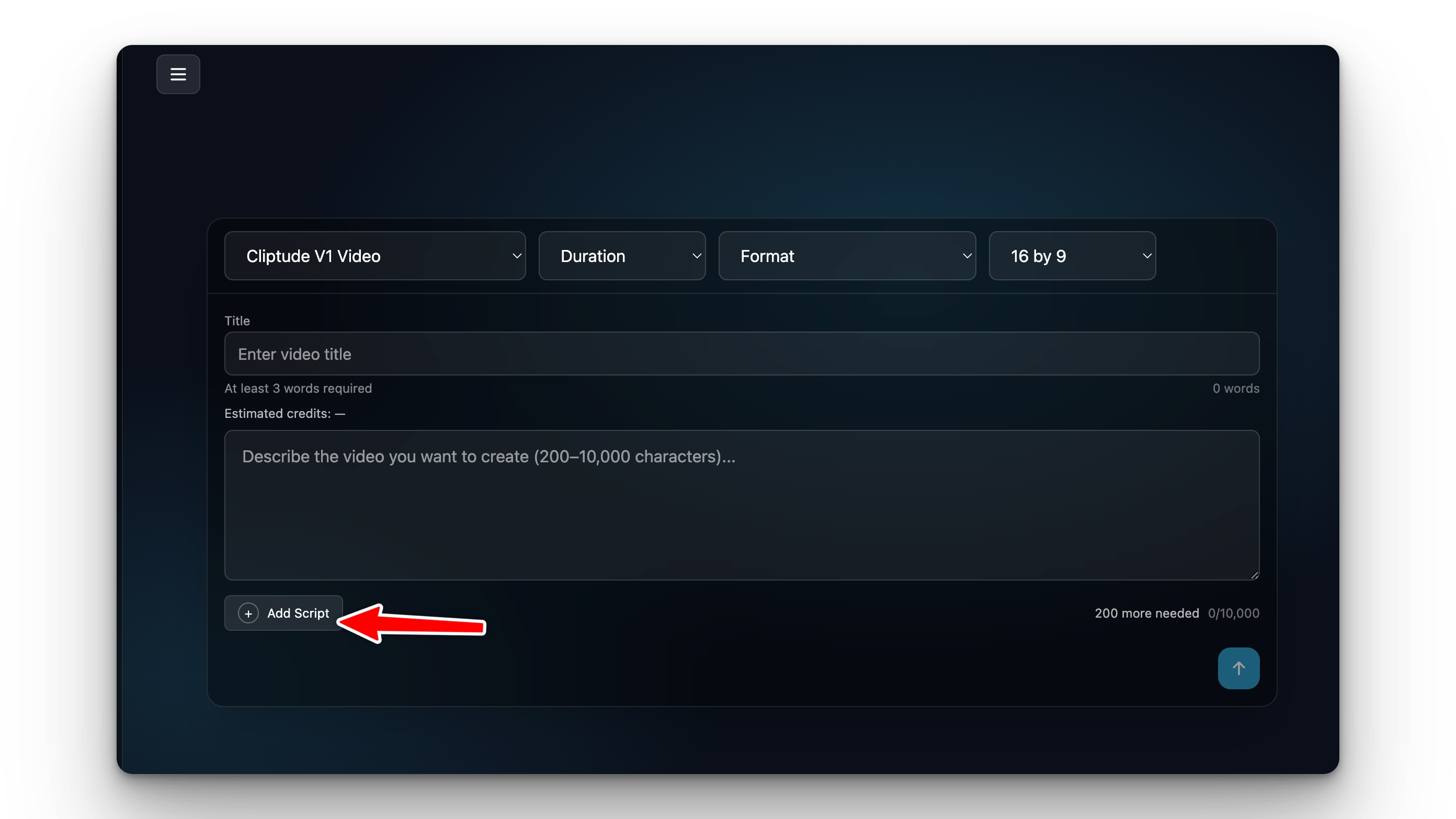
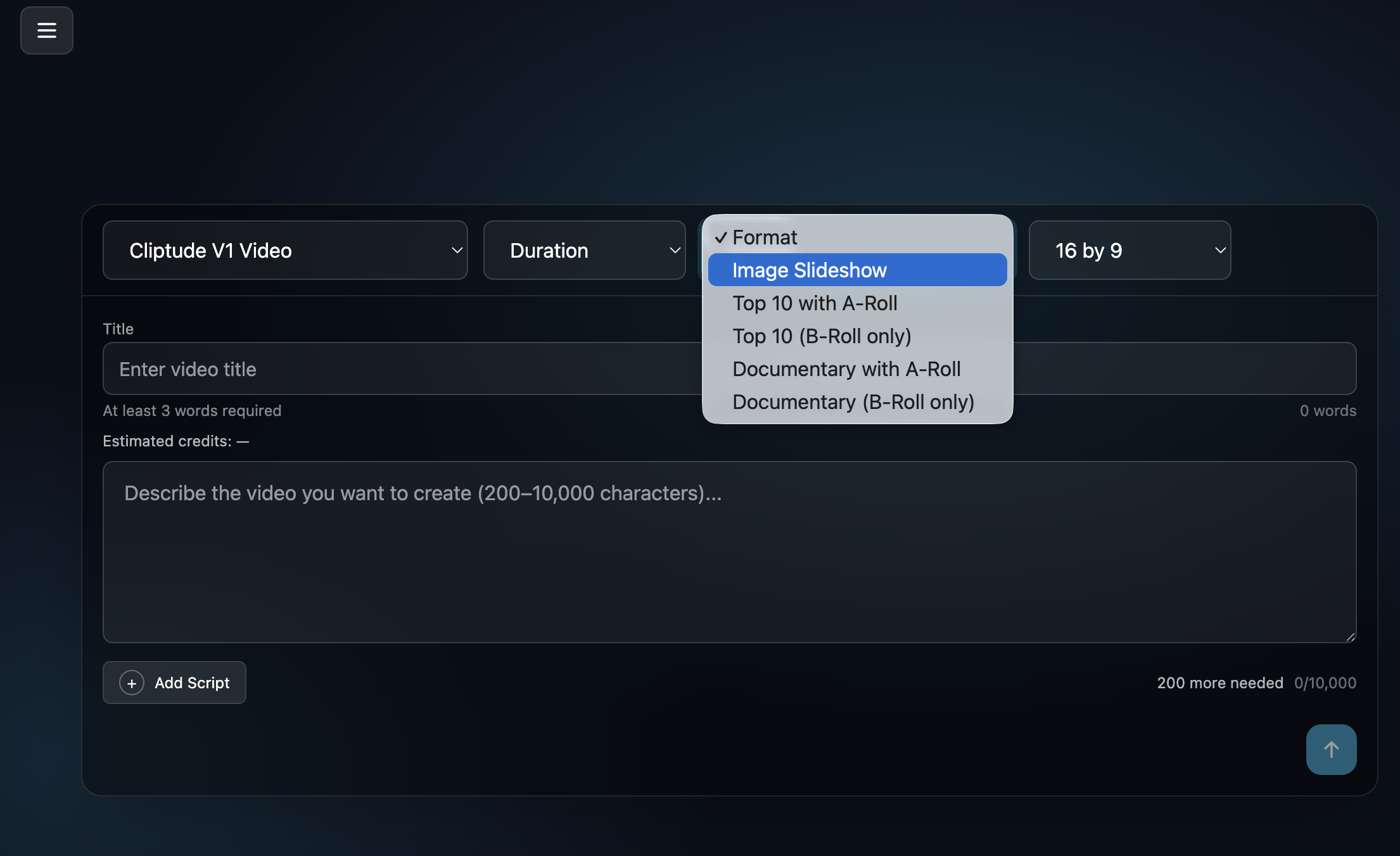
4. Select Format & Duration
Format: Choose aspect ratios like 16:9 (Landscape) for YouTube or 9:16 (Portrait) for
TikTok/Shorts.
Duration: Select the target length. Note that custom scripts will auto-calculate the
duration.
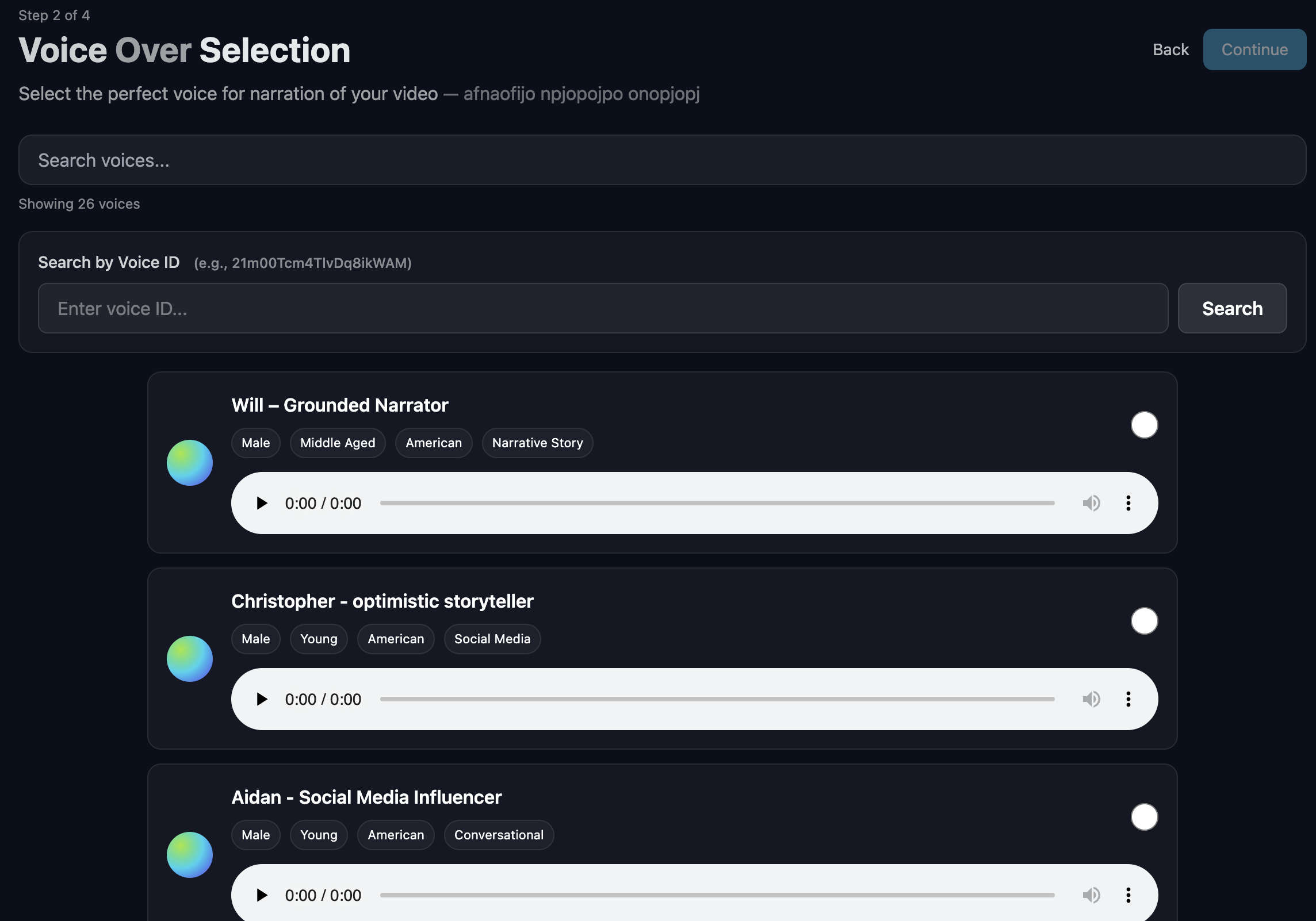
5. Select Voice
Click the Submit button (paper plane icon) to proceed. On the next screen, choose a voice that matches your video's tone. Cliptude offers a variety of AI voices, from energetic to calm and authoritative.
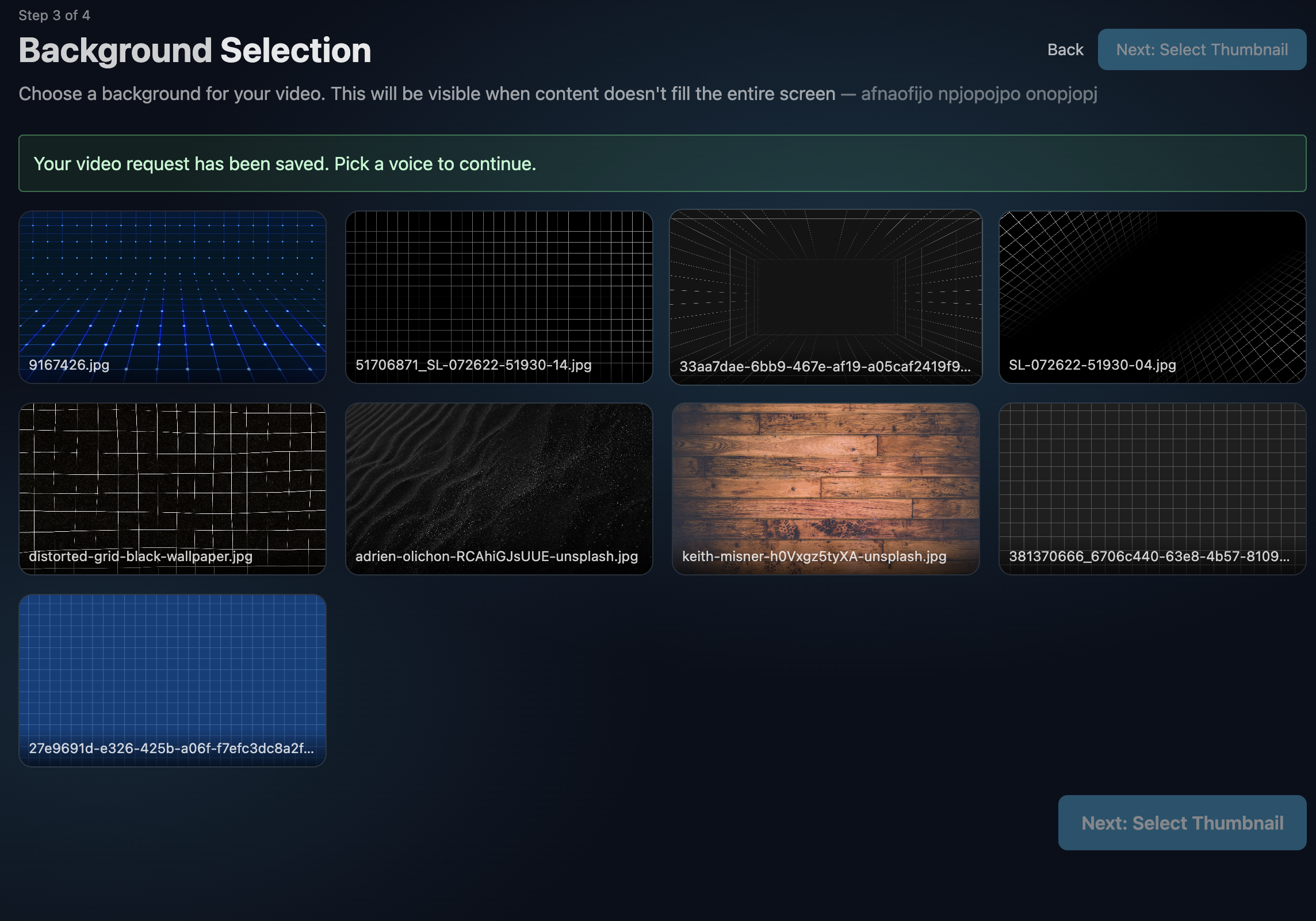
6. Background Music
Next, select a background music track to set the mood. You can preview different tracks to find the one that best enhances your narrative.
7. Thumbnail Style
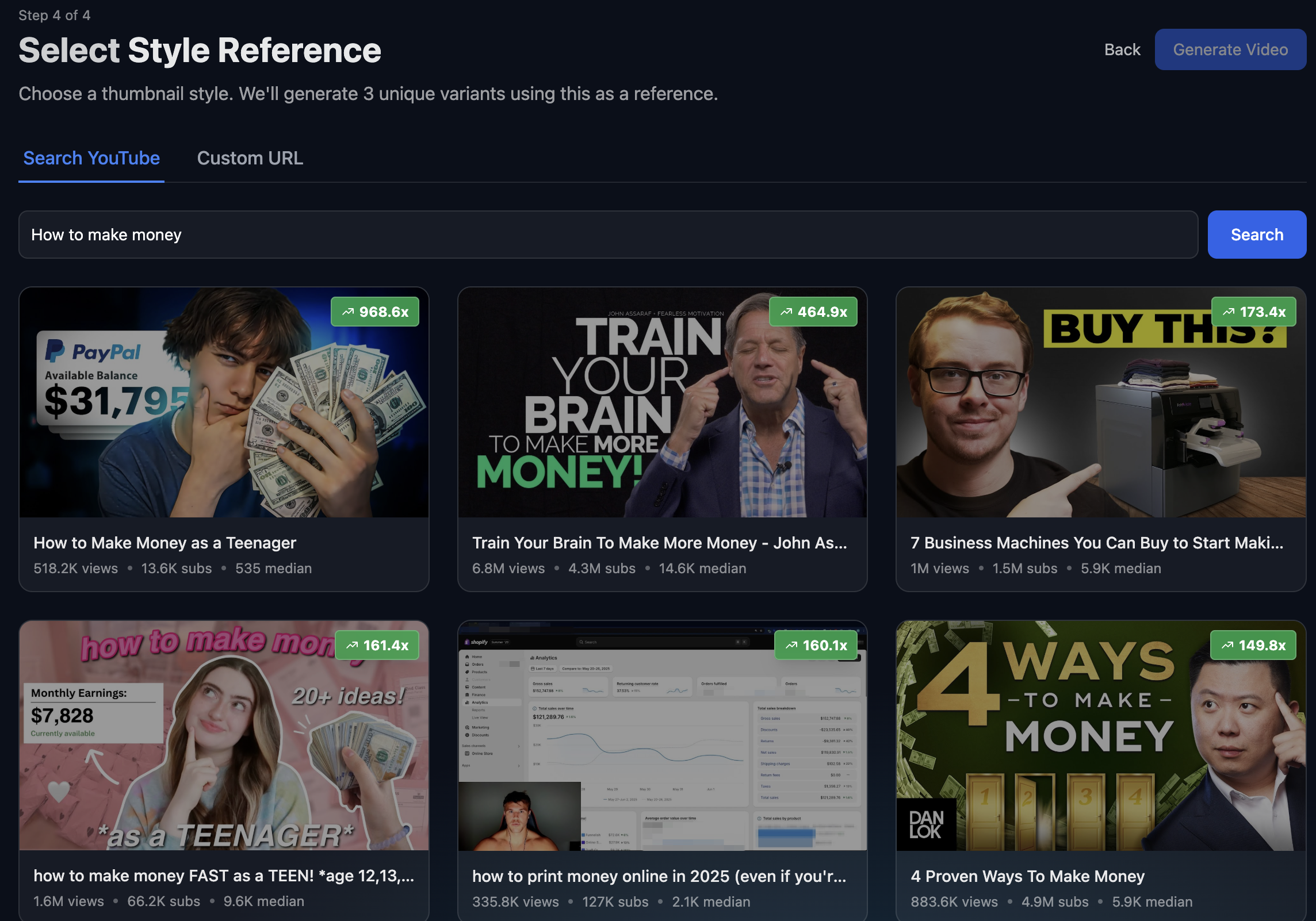
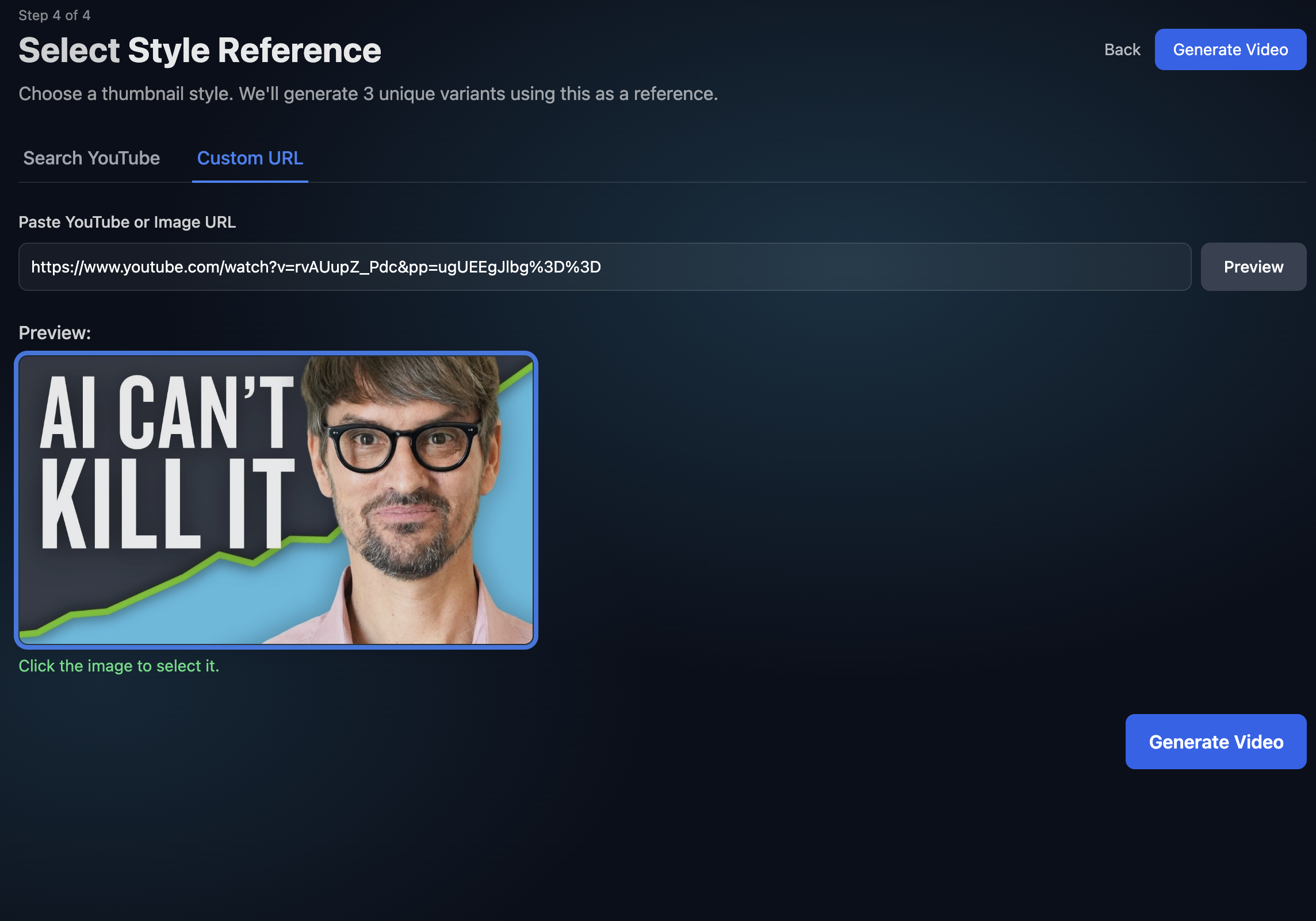
Finally, choose a visual style for your video's thumbnail. A compelling thumbnail is crucial for attracting viewers and increasing click-through rates.